DRAP Mehfooz Dawa app download: official publisher and how to use it
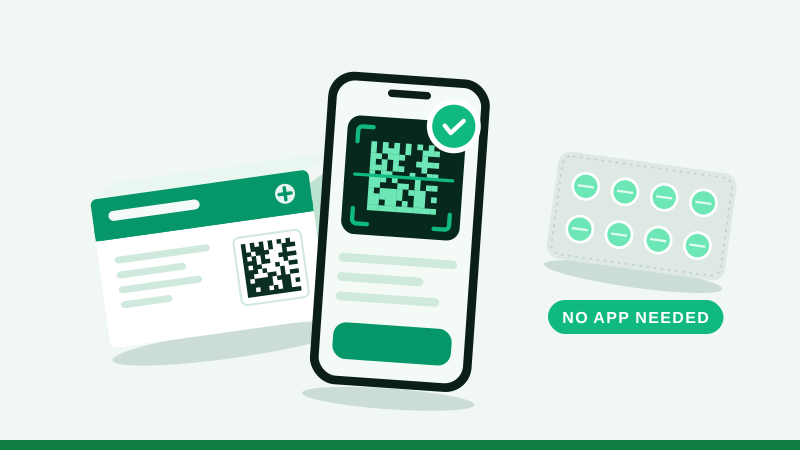
The official Mehfooz Dawa app is on the Google Play Store, published by "National IT Board, Government Of Pakistan". You can also check a medicine without installing anything, in your phone's browser. Both routes ask the same DRAP track and trace system, so the result is the same.
محفوظ دوا ایپ ڈاؤن لوڈ کرنے کے لیے گوگل پلے اسٹور پر Mehfooz Dawa تلاش کریں اور پبلشر کا نام National IT Board, Government Of Pakistan ضرور دیکھیں۔ ایپ کے بغیر بھی آپ اس ویب سائٹ کے اسکینر سے دوا چیک کر سکتے ہیں۔
DRAP Mehfooz Dawa app download: the official listing
| Detail | What to look for |
|---|---|
| App name | Mehfooz Dawa |
| Publisher | National IT Board, Government Of Pakistan |
| Package name | com.nitb.drap |
| Platform | Android (Google Play) |
| Price | Free |
| Checked | 11 November 2026, when the listing showed 1K+ downloads |
According to its store listing, the app lets you scan a pack to check its verification status, file a complaint about counterfeit, substandard or over-priced products, attach photos and a location to the complaint, track what you submitted, and see product safety alerts.
How to use the app
- Search "Mehfooz Dawa" on Google PlayOpen the listing and read the publisher line under the name.
- Confirm the publisherIt should say National IT Board, Government Of Pakistan. If it does not, do not install it.
- Install and allow the cameraA scanner needs the camera. It has no reason to read your SMS or contacts.
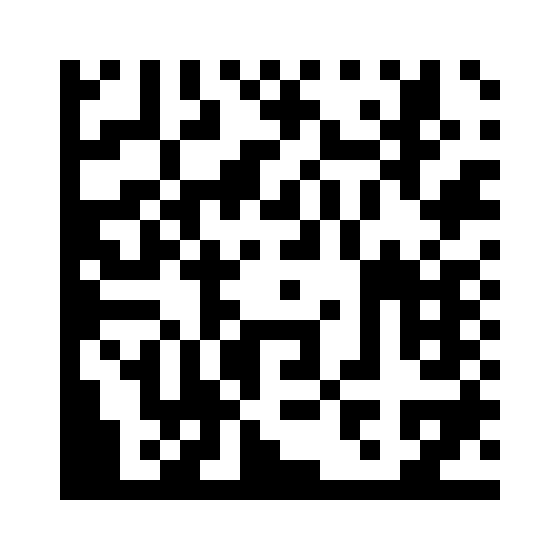
- Scan the square code on the boxHold the pack about a hand's width away, in good light.
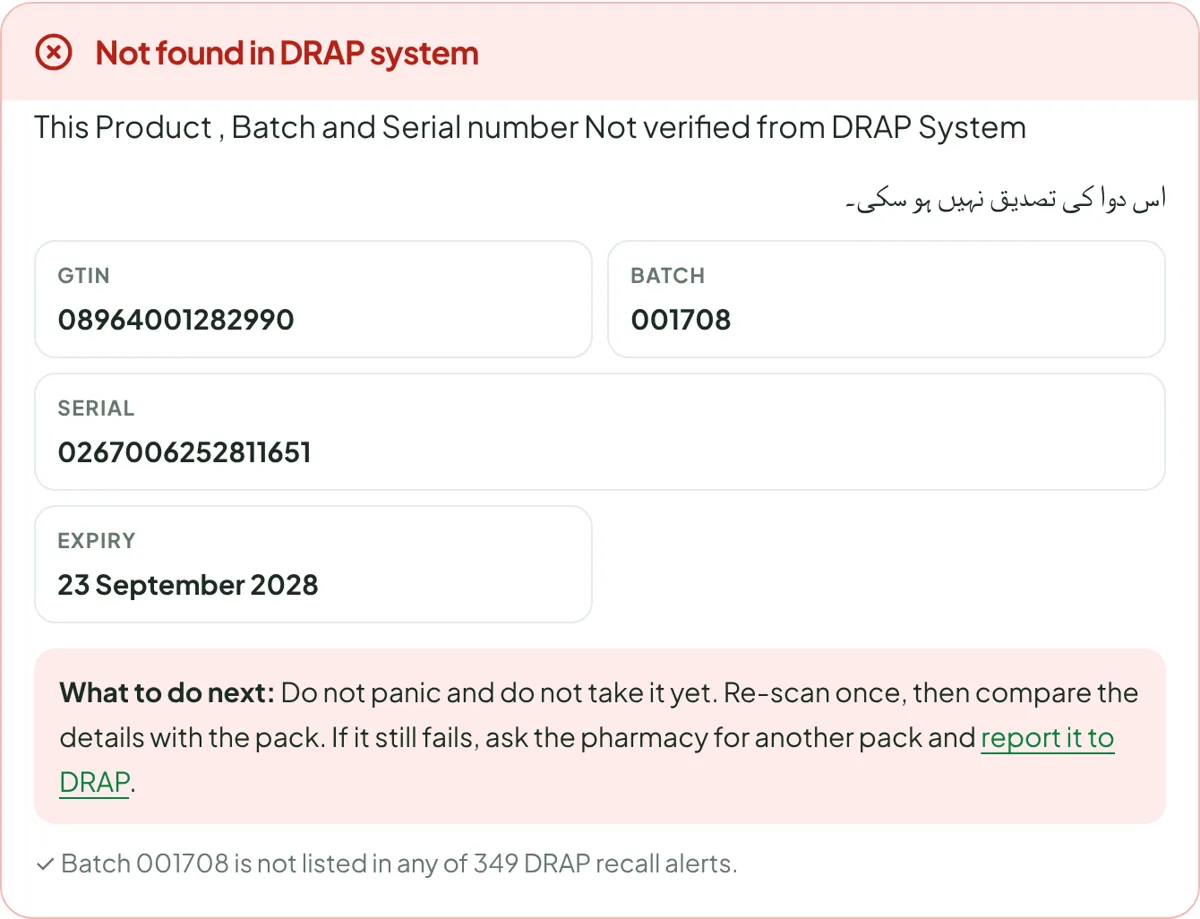
- Compare the result with the packName, batch and expiry should match the print. If the result is not what you expect, read what "not verified" means.
Beware of copycat apps and APK files
A new government programme attracts imitators. Other apps use similar words such as "dawa", "medicine scanner" or "DRAP" in their names. Most are harmless general barcode readers that cannot verify anything; some are built to show ads or collect data. Three rules keep you safe:
- Install only from the Play Store, never from a link in a message.
- Read the publisher name, not just the icon.
- Refuse apps that ask for SMS, contacts or call logs.
Dawa check karne wala app ke baghair: use your browser
You do not need an app. The check is a small lookup: your phone reads the code, sends four numbers and gets an answer back. A web page can do that with the camera on Android and iPhone alike.
- DRAP's portal at drugtrace.dra.gov.pk has a scan and verify screen on its home page.
- Our medicine scanner reads the code on your phone, asks the same DRAP system, explains the result in plain words and also checks the batch against DRAP recall alerts.
To make the browser scanner feel like an app, open it and choose Add to Home screen from the Chrome menu on Android, or Share then Add to Home Screen in Safari on iPhone.
DRAP barcode scanner app, portal or this site: which should I use?
| You want to | Best option |
|---|---|
| Check one pack quickly | Any of the three; the browser needs no install |
| File an official complaint | The official app or DRAP's portal. See how to complain to DRAP |
| Understand a confusing result | This site's guides |
| Search recalls by batch number | Our recall search |
| Use an iPhone | Browser (portal or our scanner) |
MehfoozDawa.pk is an independent information site. It is not the official app or portal.
What each feature is for
| Feature (from the store listing) | When you would use it |
|---|---|
| Instant product scanning | At the counter, before paying |
| Complaint submission | A pack fails, looks fake, is overpriced or substandard |
| Location-tagged reporting | So inspectors know which area or shop to visit |
| Photo attachments | Evidence of the pack, code, receipt and printed price |
| Status updates and alerts | Following your complaint and seeing safety alerts |
Location tagging is optional in most phones' settings. Allow it when you are filing a complaint about a particular shop; you can turn it off afterwards.
Troubleshooting
- Camera shows black. Give the app camera permission in your phone settings and close other camera apps.
- The code will not read. Better light, less glare, and hold steady. Or type the details on our scanner.
- "Not verified". Compare the details on screen with the pack first. Read what it means.
- The app will not install. Free some storage, update Android and Google Play, then try again. Use the browser in the meantime.
- The app is slow. New government services get heavy traffic at launch. The browser route asks the same system.
Privacy and permissions
A medicine-checking app needs the camera, and for complaints may ask for location and photos. It has no need for your SMS, contacts or call logs. If a "Mehfooz Dawa" app asks for those, it is not the official one. On our site, photos and the camera feed stay on your phone; only the four code numbers are sent for checking.
Mehfooz Dawa app kaise download karein
- Google Play kholein"Mehfooz Dawa" search karein.
- Publisher dekheinNational IT Board, Government Of Pakistan hona chahiye.
- Install kareinCamera ki ijazat dein.
- Scan kareinDabbay ka chakor code camera ke saamne rakhein.
iPhone par app nahin mili to browser mein DRAP ka portal ya hamara scanner istemal karein.
Using a basic phone or helping an older relative? See how to verify medicine without a smartphone.
Questions people ask
Where can I download the Mehfooz Dawa app?
On Android, search "Mehfooz Dawa" in the Google Play Store and choose the app published by National IT Board, Government Of Pakistan. Its package name is com.nitb.drap. You can also check medicines without any app, in your browser, using DRAP's portal or the scanner on this site.
Is there a Mehfooz Dawa app for iPhone?
When we checked on 11 November 2026 we could not find an official Mehfooz Dawa app on the Apple App Store. iPhone users can check medicines in Safari through DRAP's portal or our scanner, which use the phone camera in the same way.
Is the Mehfooz Dawa APK safe?
Install only from the Google Play Store. Do not install APK files shared on WhatsApp, Facebook or download sites: an APK from an unknown source can read your messages and steal banking details, and a copy of a government app is an easy disguise.
Mehfooz Dawa app aur DRAP barcode scanner mein kya farq hai?
People use both names for the same thing: scanning the square code on a medicine pack and checking it against DRAP's track and trace records. The official Android app is listed as "Mehfooz Dawa". Any ordinary barcode scanner app can read the code, but only DRAP's system can verify it.
Do I need to log in or register to check a medicine?
No. DRAP's portal lets anyone scan and verify a pack without an account. The portal login and citizen registration are for filing and tracking complaints and for companies using the system.
Can I use it without internet?
Reading the code works on your phone, but the check itself needs a connection to DRAP's system. Mobile data is enough; the request is very small.
Mehfooz Dawa app kahan se download karein?
Google Play Store se. "Mehfooz Dawa" search karein aur publisher National IT Board, Government Of Pakistan wali app install karein. WhatsApp par aayi APK file install na karein.
Is the Mehfooz Dawa app free?
Yes. The official app is free on Google Play, and checking a medicine is free.
Is the Mehfooz Dawa application the same as the DRAP app?
Yes. The DRAP app for the public is the Mehfooz Dawa application on Google Play; people also call it the DRAP Pakistan app or DRAP barcode scanner app.
محفوظ دوا ایپ ڈاؤن لوڈ کیسے کریں؟
گوگل پلے اسٹور پر Mehfooz Dawa تلاش کریں اور پبلشر National IT Board, Government Of Pakistan والی ایپ انسٹال کریں۔
Where is the DRAP barcode scanner app download?
On Google Play, listed as Mehfooz Dawa by National IT Board, Government Of Pakistan.