Medicine barcode scanner: how to scan the DRAP code on any pack
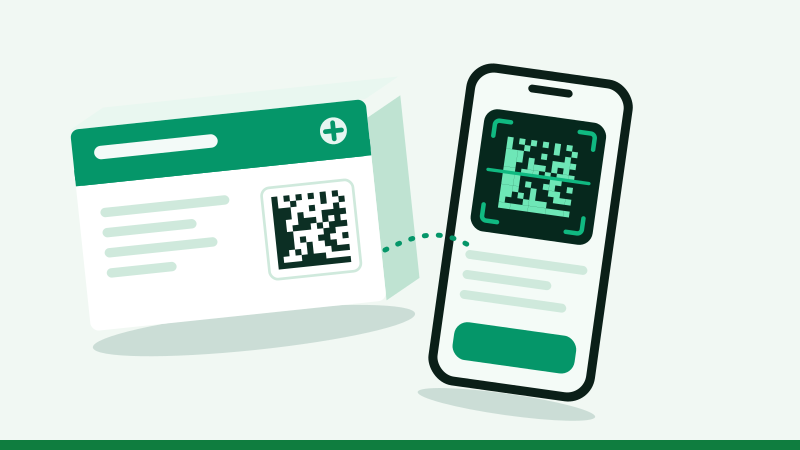
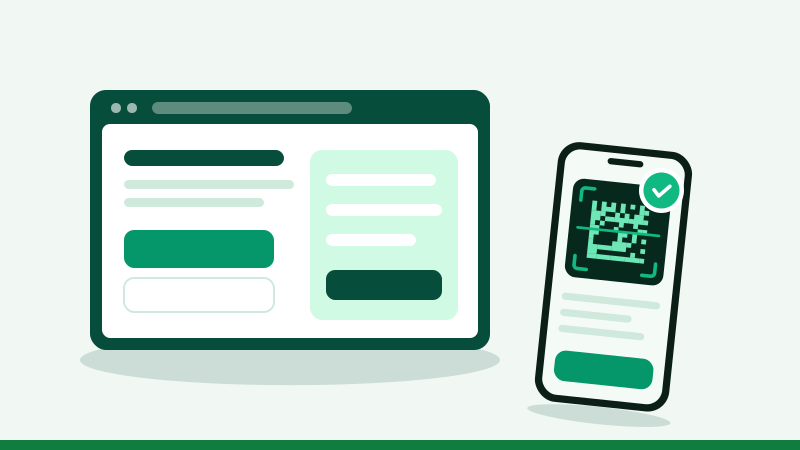
To scan a medicine code online, open the scanner on our home page, tap Start camera and hold the small square code on the box inside the frame. It reads the code on your phone and checks it against DRAP's track and trace system in one step.
Which code to scan
A medicine box can carry two codes, and only one of them verifies anything.
| Square code (DataMatrix / QR) | Striped barcode | |
|---|---|---|
| Looks like | Small square of dots, about 1 to 2 cm | Vertical black lines with numbers below |
| Contains | Product, batch, expiry and a unique serial | Product number only |
| Same on every box? | No, every pack is different | Yes |
| Can verify a pack? | Yes | No |
Getting a fast, clean scan
- Distance: 10 to 15 cm. Too close and the camera cannot focus; too far and the dots blur together.
- Light: bright and even. Daylight near a window is ideal.
- Glare: tilt the box slightly so the shiny coating does not reflect straight into the lens.
- Flat surface: a crushed or curved box corner distorts the code; flatten it gently.
- Old phones: if the live camera struggles, take a photo and use Photo instead. Still images are often easier to read.
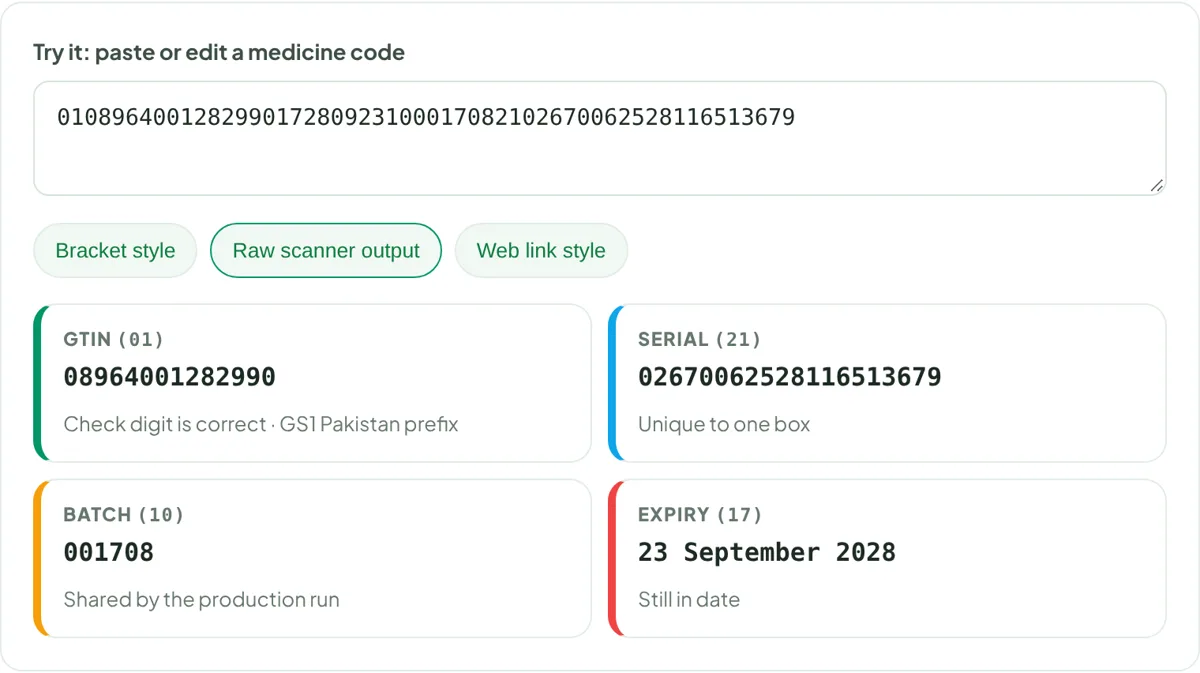
What is inside the code
The code stores four GS1 fields, each starting with a short number called an application identifier: (01) the 14-digit GTIN, (21) the serial number, (10) the batch, and (17) the expiry date as YYMMDD. Our guide on GTIN, serial and batch numbers explains each in detail.
- GTIN (01)
- Serial (21) Unique to one box
- Batch (10) Shared by the production run
- Expiry (17)
Why your camera app alone is not enough
Google Lens or the iPhone camera can decode the square, but they only show you a string of digits. The check that matters, whether this serial belongs to a real pack from that manufacturer, happens in DRAP's system. A medicine scanner does both: it decodes the string, separates the four fields, and sends them for checking.
DRAP barcode scanner app, dawai scanner app or online: which to use?
"Dawa scanner app", "medicine barcode scanner app" and "DRAP barcode scanner app" are among the most searched phrases, and they cover very different tools.
| Tool | Reads the code? | Verifies with DRAP? | Install needed |
|---|---|---|---|
| Official Mehfooz Dawa app (National IT Board) | Yes | Yes | Yes, Android |
| DRAP's portal in a browser | Yes | Yes | No |
| Our online scanner | Yes | Yes, plus a recall check on the batch | No |
| Generic QR and barcode apps | Yes | No; shows digits only | Yes |
| Phone camera or Google Lens | Usually | No | No |
There is no separate official "DRAP barcode scanner" app to look for: the official consumer app is listed as Mehfooz Dawa. Be wary of apps that borrow DRAP's name, show adverts and promise to "detect fake medicine"; a generic reader cannot do that without DRAP's records.
How to scan barcode of medicine (dawa ko scan kaise karein)
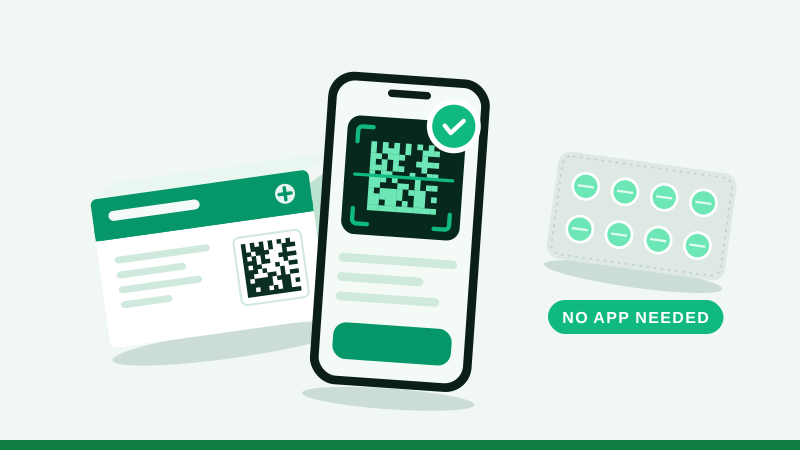
- Open the scannerOn our home page tap Start camera. The first time, your browser asks for camera permission: choose Allow.
- Hold the box steadyPut the square code inside the frame. Keep the phone parallel to the box, not at an angle.
- Wait for the beepOn most phones the code reads in one or two seconds. The phone vibrates when it does.
- Read the answerThe result card shows the status, the product, and the batch and expiry read from the code.
- Compare with the boxThe name, strength and company on screen must match the pack in your hand.
Medicine barcode scan problems and fixes
| Problem | Likely cause | Fix |
|---|---|---|
| Camera does not start | Permission blocked or another app using the camera | Allow camera access for the site in browser settings; close other camera apps |
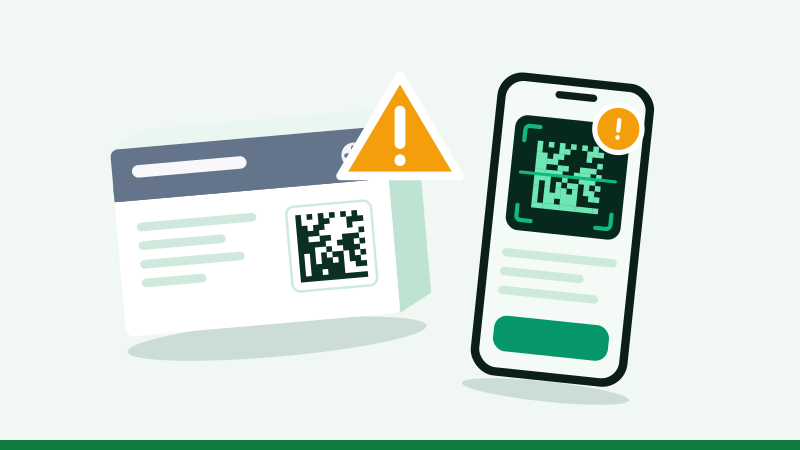
| Code never reads | Glare, blur or the code is too small in the frame | Move closer, tilt the box out of reflections, add light |
| Reads the striped barcode instead | Wrong code in the frame | Cover the striped barcode with your thumb |
| Result shows odd batch or serial | A printer left out the separator between fields | Compare with the printed text; if wrong, use Type code |
| Old phone is slow | Weak camera or processor | Take a sharp photo and use Photo instead |
| Damaged or crushed code | Missing modules | The DataMatrix tolerates some damage; if it still fails, type the details |
Scan medicine QR code online from a photo
Not everyone can hold a box and phone steady, and some cameras cannot focus close up. In that case take a photo: fill most of the frame with the square code, keep it sharp, and avoid shadows. Then choose Photo on the scanner and pick the image. The photo is read on your phone and is not uploaded; only the decoded numbers are sent for checking. This is also the easiest way to help a relative: they send you a photo and you check it for them.
What the result is, and is not
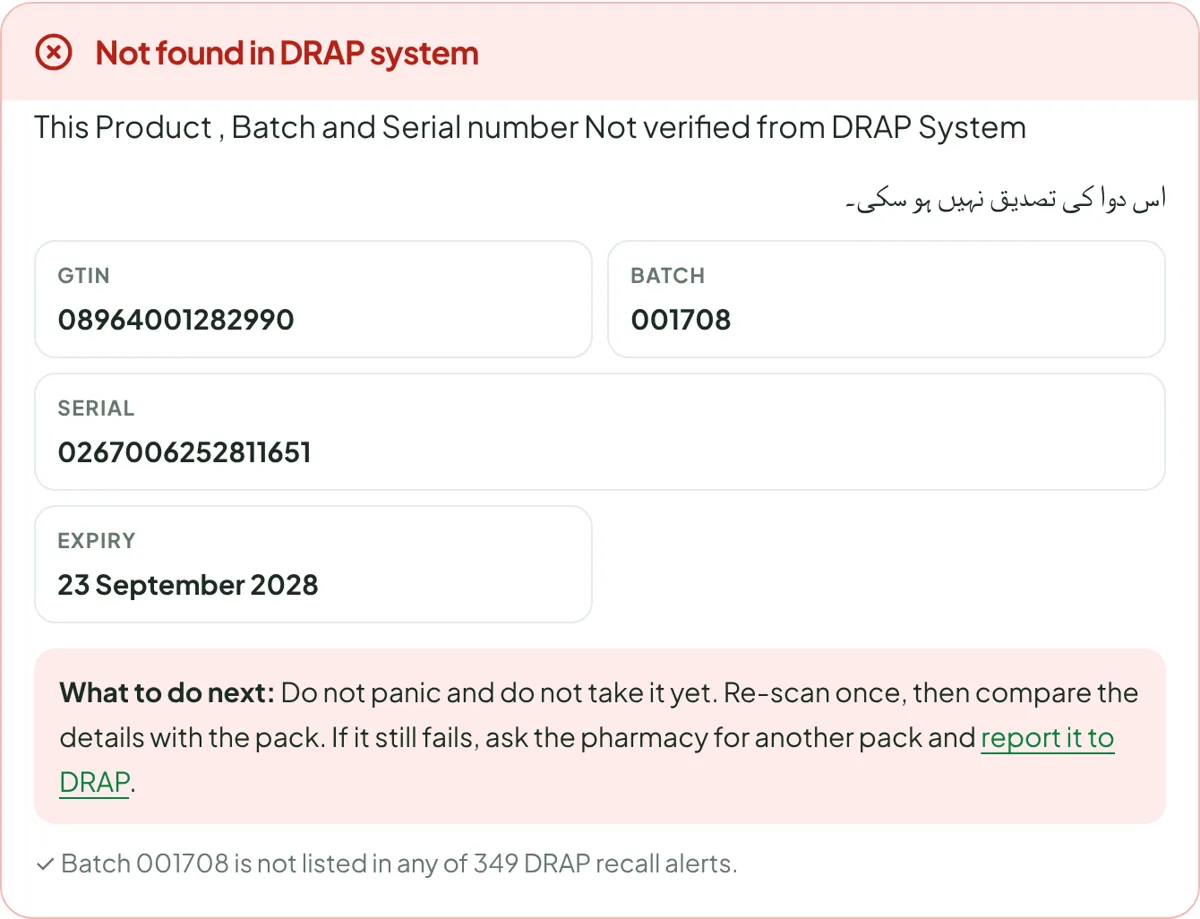
A verified scan means DRAP's system knows this serial number for this product and batch. It does not mean the medicine was stored well, and it does not test the tablets. If the scan says not verified, read that guide before drawing conclusions, and remember that packs made before 9 October 2026 may legitimately have no code at all.
For pharmacies: medicine barcode scanner machine and reader
A shop scanning many packs a day may prefer a handheld 2D imager, the kind that reads DataMatrix as well as QR codes, connected to a computer or phone. The data in the code is the same; only the speed differs. DRAP's guidelines expect distributors and retailers to be able to scan these codes and interface with its system as required. See our pharmacy scanning routine.
To understand what the square code is and why it replaced the striped barcode, see barcode medicine identification. No phone camera? Here is how to verify without a smartphone.
Questions people ask
Can I use Google Lens or my camera app to scan the medicine code?
Your camera app can read the code and show its contents as text, but it will not check that text against DRAP's system. You would still need to enter the details on a verification site. A dedicated scanner reads and checks in one step.
Is the code on medicine a QR code or a barcode?
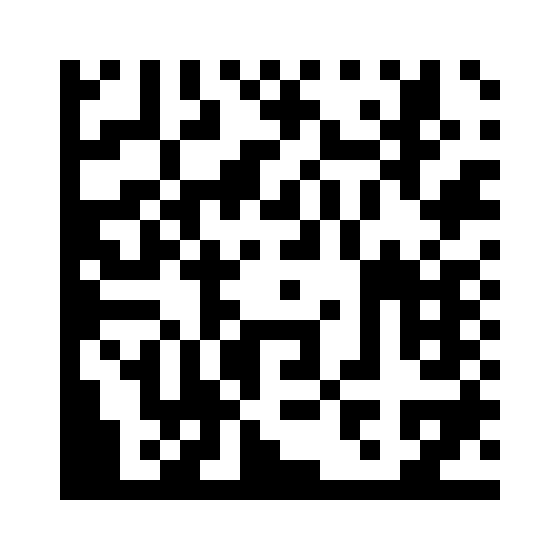
Most Pakistani medicine packs use a GS1 DataMatrix, a square pattern of dots with a solid L-shaped border on two sides. It looks like a QR code but is a different format. Some packs print a QR code instead, often containing a web link with the same information.
Why does the scanner not read my code?
Usually because of glare, blur or distance. Hold the phone about 10 to 15 cm away, avoid reflections from the shiny coating, and let the camera focus. If it still fails, take a sharp photo and upload it, or type the details.
Can I scan a medicine code online from a photo?
Yes. Use the Photo option on our scanner. The photo is read on your phone and is not uploaded; only the decoded numbers are sent for the check.
Is there an official DRAP barcode scanner app?
The official consumer app is listed on Google Play as "Mehfooz Dawa", published by National IT Board, Government Of Pakistan. It is the app people mean when they search for a DRAP barcode or QR code scanner.
Medicine barcode scanner online free: does it work on iPhone?
Yes. Our scanner runs in Safari and uses the iPhone camera the same way as on Android. Allow camera access when asked.
Dawai scan karne wala app kaun sa hai?
Official app ka naam Mehfooz Dawa hai jo Google Play par National IT Board ne shaya kiya hai. Bina app ke bhi aap is website ke scanner se dawa scan kar sakte hain.
Can a scanner detect fake medicine by itself?
No. A scanner only reads the code. The check that can expose a fake happens when the serial number is compared with DRAP's records, which is what the Mehfooz Dawa system and our scanner do.
How to verify medicine QR code?
Scan it with a medicine QR code scanner that checks DRAP's records, such as the official app or our online scanner. A medicine QR code scan in an ordinary camera app only shows the text.
Is there a medicine barcode database I can search?
Serial numbers are checked one at a time by DRAP's system, not published as a database. For a medicine barcode number check, scan the pack; for product details use our price and registration search.
What barcode medicine information is in the code?
GTIN, batch, expiry and serial number. A medicine barcode check reveals these four fields.