How to verify medicine without a smartphone
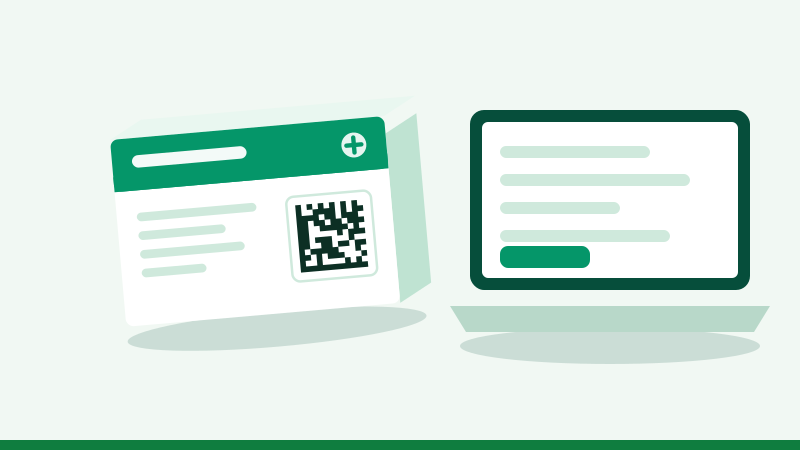
Without a smartphone you can still verify a medicine: ask the pharmacist to scan the pack in front of you, or type the four details printed beside the square code into the checker on any computer or borrowed phone. The check needs the numbers, not a camera.
Option 1: ask the pharmacy to scan it
Pharmacies can scan packs with a phone or a counter scanner. Ask to see the screen: it should show the medicine's name, maker, batch and expiry, and they should match the box in your hand. This is the quickest route for older family members who do not use smartphones.
Option 2: type the details on any device
- Find the text beside the square codeFour short lines, usually marked GTIN or PC, SN, BN or Lot, and EXP.
- Open the checkerOn a computer, tablet or someone else's phone, open our scanner and choose Type code.
- Enter all fourType carefully: zero and the letter O, and one and the letter I, are easy to confuse. Serial numbers use only digits and the letters A to F.
- Read the resultThe same answer a scan would give.
Option 3: someone checks for you
Take a clear photo of the code with any camera and send it to a relative. They can use Photo on the scanner to read it. Or read the four details to them over a call.
Option 4: the printed checks
For packs with no code, or when nothing digital is at hand:
- A DRAP registration number is printed.
- Batch number and expiry match on the box and the strip.
- The seal is intact and the printing is clean and correctly spelled.
- The price charged is not above the printed price.
- You bought it from a licensed pharmacy with a receipt.
These are explained in what to check on a medicine pack and asli aur nakli dawa ki pehchan.
Helping parents and elders
If you manage medicines for an older relative, check new packs when you visit, write the expiry dates in large print on the box, and show them which pharmacy to use. A neighbourhood pharmacist who knows the family is one of the best protections there is.
Reading the four details off the pack
The printed text beside the square code is called the human-readable interpretation. Labels vary between companies, so here is what to look for.
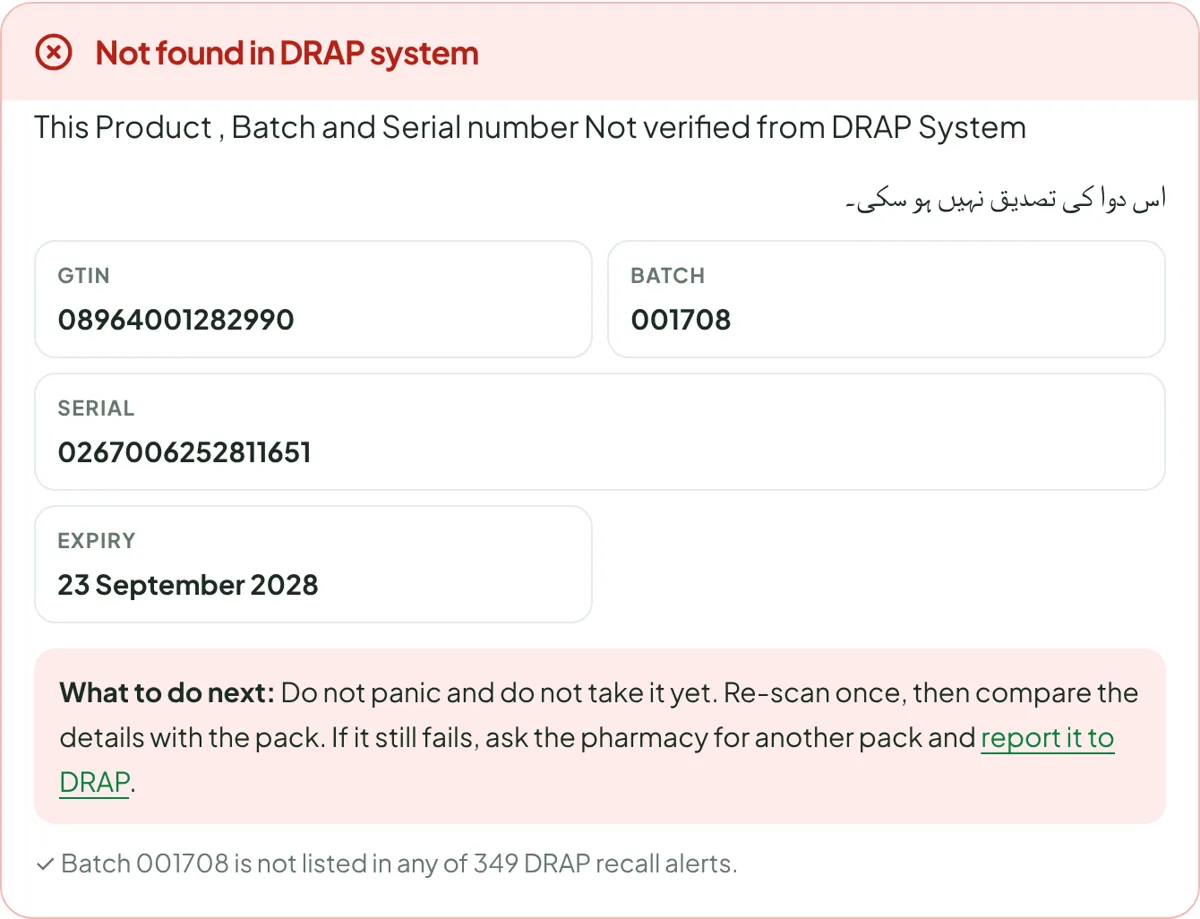
| Field | May be labelled | Looks like | Tips |
|---|---|---|---|
| GTIN | GTIN, PC, (01) | 14 digits, often starting 0896 | Digits only |
| Serial | SN, S/N, (21) | 12 to 20 characters | Only 0-9 and A-F under DRAP's rules: O is zero, I is one |
| Batch | BN, B. No., Lot, (10) | Up to 20 letters and digits | Keep leading zeros |
| Expiry | EXP, (17) | A date, sometimes only month and year | Month and year means the last day of that month |
The brackets around the numbers, such as (01), are only there to help people read the line; do not type them.
Using a basic phone
A feature phone cannot run the scanner, but you can still help yourself. Note the four details on paper, or send them as a text to a family member who has a smartphone, asking them to check. They can type the details in the scanner and reply with the result. Do not send the details to unknown numbers that advertise a "medicine SMS check": we are not aware of any official SMS service, and such numbers may be scams.
At the pharmacy: what to ask
- "Can you scan this pack for me and show me the screen?"
- "Does the batch on the box match the strip?"
- "Is this pack made before or after 9 October 2026?" Older packs may have no code; see medicine without a barcode.
- "Can I have a receipt with the batch number?"
A pharmacist who answers these calmly is a pharmacist worth going back to.
Community help
Mosque committees, school parent groups and union councils can help elderly and low-literacy members by setting up a simple routine: a volunteer with a smartphone checks new packs on a fixed day. Pharmacies and clinics can put a printed notice at the counter explaining the square code. The more people who expect packs to be scanned, the harder it becomes to sell fakes.
Without internet
The check needs a connection to DRAP's system, but only a tiny amount of data. If there is no signal where you are, note the four details and check later. In the meantime, rely on the printed checks above, and do not start a doubtful pack until you have checked it.
Common mistakes when typing details
- Typing the striped barcode's 13 digits as the GTIN. Use the number labelled GTIN or PC beside the square code.
- Entering the manufacturing date instead of the expiry date.
- Dropping leading zeros from the batch number.
- Adding spaces or dashes that are not part of the serial.
Questions people ask
Can I verify medicine by SMS in Pakistan?
DRAP's Mehfooz Dawa system works by scanning the code or entering its details online. We are not aware of an official SMS verification service, so be careful with any number that claims to offer one.
Can I check a medicine on a computer?
Yes. Open the scanner page on any computer, choose "Type code" and enter the GTIN, batch, serial number and expiry printed beside the square code.
Mere paas smartphone nahin hai, dawa kaise check karoon?
Pharmacist se kahein ke aap ke saamne pack scan kare, ya ghar mein kisi ke phone ya computer par code ke saath likhi char cheezein type kar ke check karein. Code na ho to registration number, batch, expiry aur seal dekhein.
Is it rude to ask the pharmacist to scan my medicine?
No. It takes a few seconds and a good pharmacy will be glad to do it. A shop that refuses is telling you something.
Can I verify a medicine on a laptop?
Yes. Open the scanner, choose Type code and enter the GTIN, serial, batch and expiry from the pack. If your laptop has a camera you can also try the Photo option with a picture of the code.
Is there an SMS code to verify medicine in Pakistan?
We are not aware of an official SMS verification service for the Mehfooz Dawa system. Use the app, DRAP's portal or our scanner, and be cautious of numbers that claim to offer SMS checks.
Mere paas internet nahin hai, kya karoon?
Char cheezein (GTIN, serial, batch, expiry) kaghaz par likh lein aur baad mein check karein, ya kisi rishtedar ko bhej dein. Tab tak registration number, batch, expiry aur seal dekh lein.
Can the pharmacist refuse to scan my medicine?
There is no rule we know of that forces a shop to scan for you, but most will. A refusal is a good reason to buy elsewhere.
What if the printed details are too small to read?
Use a magnifying glass, or take a close photo and zoom in. Many phone cameras also have a magnifier mode.
Do I need to register to verify a medicine?
No. Checking a pack needs no account, whether you scan or type the details.
Can a pharmacy print the scan result for me?
Some pharmacy systems can. If not, ask the pharmacist to write the result and batch number on your receipt.