drugtrace.dra.gov.pk: a step-by-step guide to DRAP's Drug Track & Trace portal
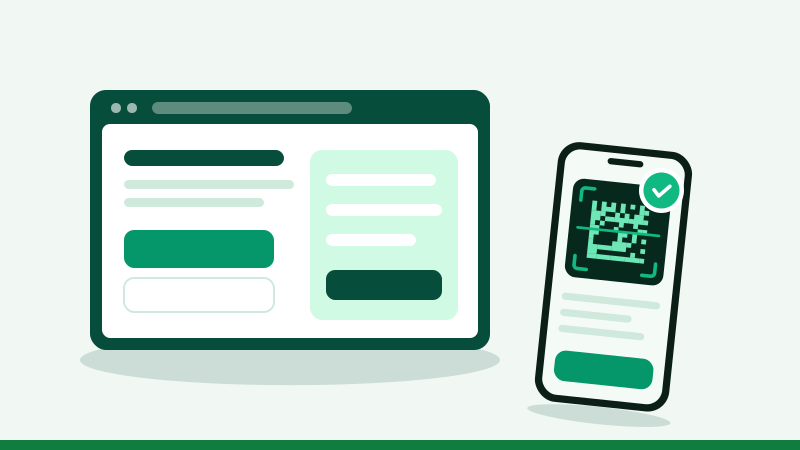
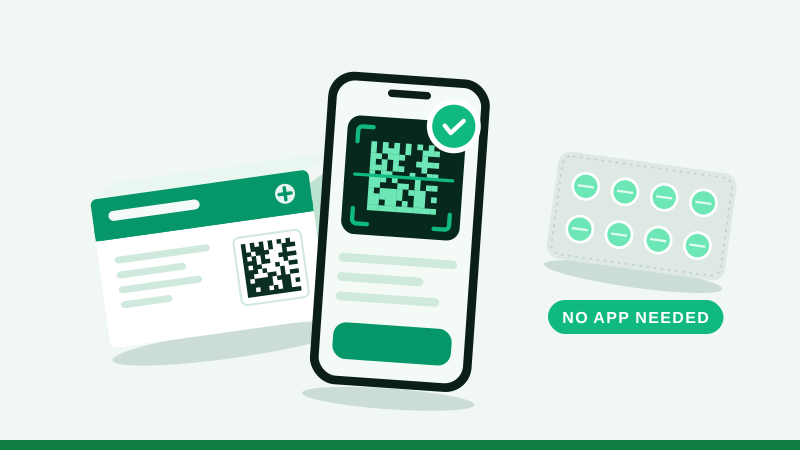
drugtrace.dra.gov.pk is DRAP's official Drug Track & Trace portal, the web side of the Mehfooz Dawa programme. Open it on your phone, tap "Scan the Medicine", scan the square code on the carton and compare the result with the pack. The same portal also hosts DRAP's online complaint form and its medicine shortage reporting form.
What you find on drugtrace.dra.gov.pk
The portal's home page is built around a few large buttons and a sign-in panel. In plain terms, this is what each part is for:
| Part of the portal | What it does | Who it is for |
|---|---|---|
| Scan the Medicine | Opens the camera, reads the 2D code and checks the pack against DRAP's records | Everyone |
| Drug Complaint (Complaint Registration) | Online form for fake, substandard, unregistered or mislabelled medicines, overpricing and pharmacy problems | Patients, healthcare workers, pharmacies, hospitals |
| Medicine Shortage | Form to report a medicine you cannot find, with separate routes for citizens and hospitals | Citizens, hospitals, clinics |
| Sign in | Login for registered users of the system | Companies and registered users |
| Citizen sign-in and Register | An account for citizen reporters to file and follow complaints | Members of the public who report |
The portal states that it was designed and developed by the National Information Technology Board (NITB) for DRAP. It is a government site; MehfoozDawa.pk is an independent site that explains it.
How to scan a medicine on the portal
- Open the site in your phone's browserType drugtrace.dra.gov.pk exactly. Be careful with look-alike addresses; the official one ends in dra.gov.pk.
- Tap "Scan the Medicine"The browser asks for camera permission. Choose Allow. If you blocked it before, enable the camera for the site in your browser settings.
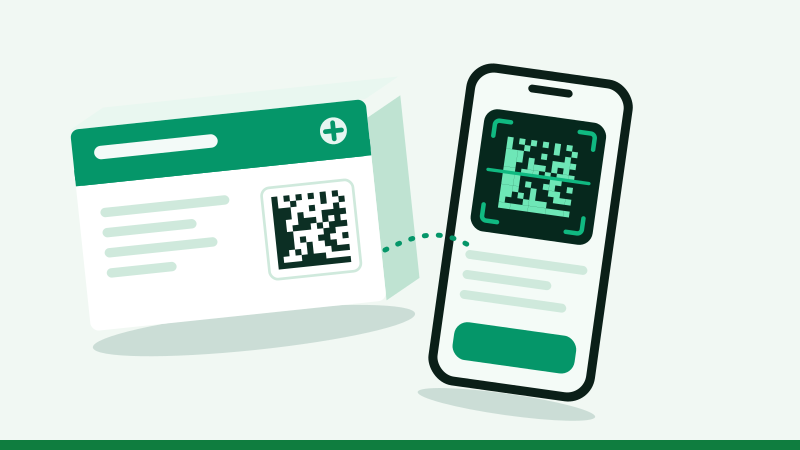
- Find the square code on the cartonIt is the small square of dots next to four printed lines: GTIN or PC, SN, BN and EXP. The striped barcode will not work.
- Hold steadyAbout a hand's width away, in good light, with no glare. The portal reads the code and sends the details for checking.
- Read the result cardIt shows a status and, for a matched pack, details such as the product, strength, dosage form, registration number, manufacturer, batch and dates.
The portal also accepts codes typed or pasted in several formats, including bracketed codes such as (01)…(21)… and the human-readable labels printed beside the code, so a code that will not scan can still be checked.
Reading the result
The portal's result screen uses a few status types. This is how to act on each:
Verified
The pack's details match a record uploaded by the manufacturer.
Check that the name, batch and expiry on screen match your pack.
Not verified
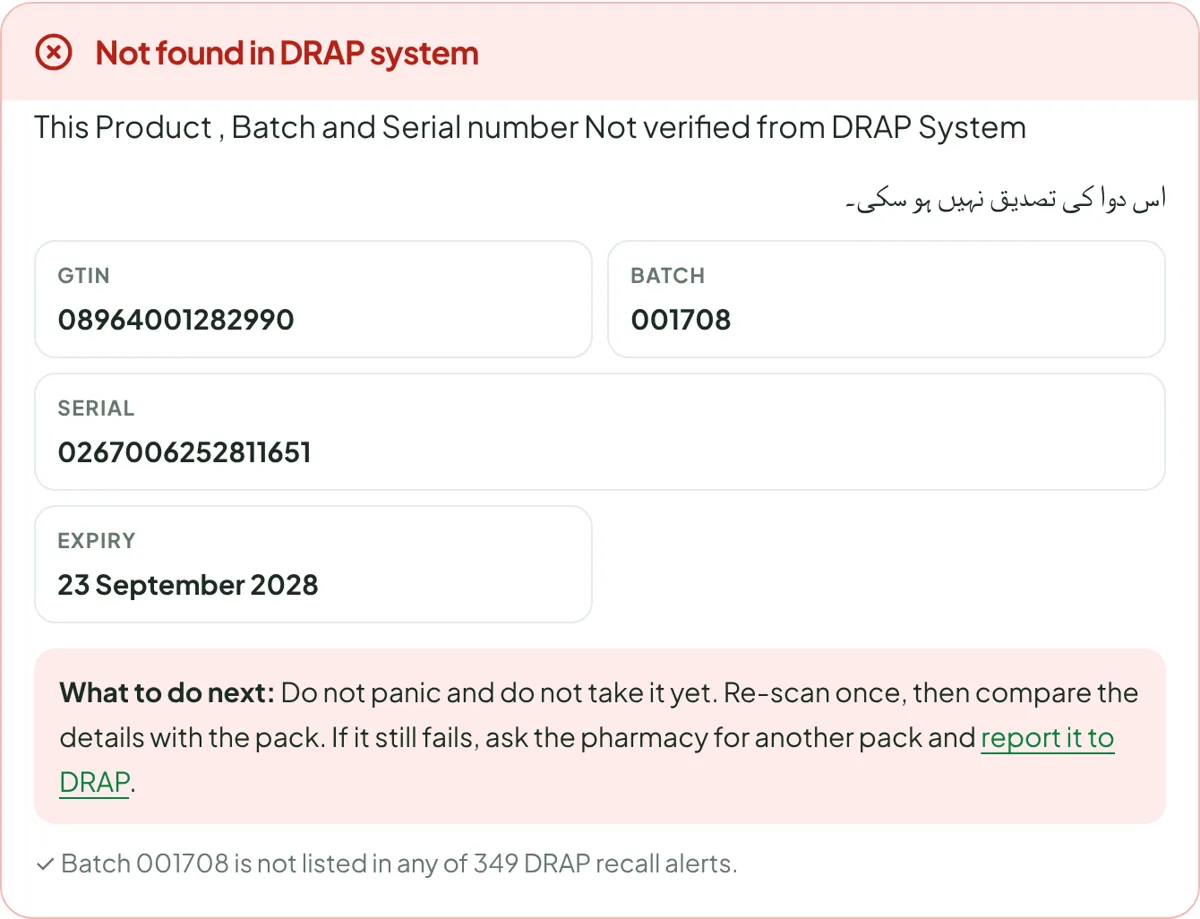
No matching record was found for those details.
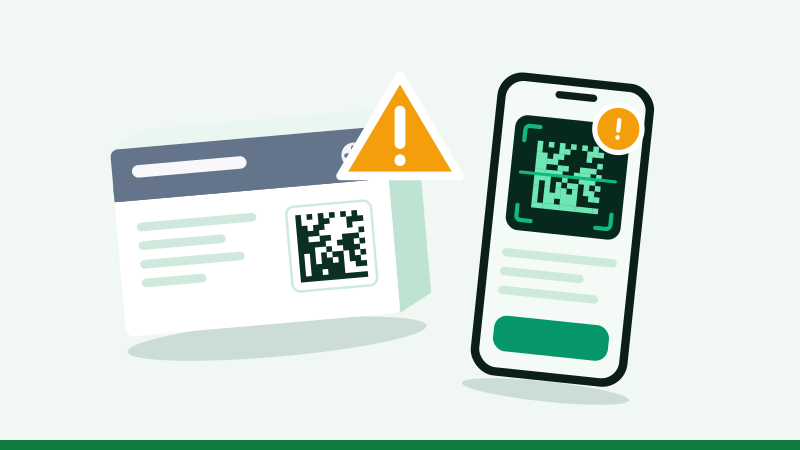
Re-check the details, then follow our not verified guide.
Recalled or blacklisted
The batch or pack is flagged in the system.
Do not use it. Return it and report it.
Expired or inactive
The date has passed, or the product is not active.
Do not use an expired pack; ask your pharmacist about an inactive one.
The portal shows its messages in English and Urdu. For example, a failed check says that the product, batch and serial number could not be verified from the DRAP system, with the Urdu message "اس دوا کی تصدیق نہیں ہو سکی".
Filing a complaint through the portal
The Complaint Registration form lets you report a medicine or a medical store without signing in, with an option to submit anonymously. It asks for reporter details, the medicine (brand, generic name, strength, form and batch or lot number) and the complaint itself, chosen from types such as suspected falsification, quality defects, label errors, expired or illegal stock, cold chain breach and pharmacy-related problems. Our DRAP complaint portal guide walks through every field and gives a model complaint.
Reporting a medicine shortage
The Medicine Shortage page describes itself as a real-time shortage monitoring system. Citizens choose public reporting; hospitals and clinics have an institutional route. The form asks for contact details, CNIC, province, district and the medicine. There is an option to report anonymously. See how to report a medicine shortage.
When the portal is slow or will not open
- Peak times: new government services get heavy traffic. Try again a little later.
- Network: switch between Wi-Fi and mobile data. Some VPNs and foreign networks are blocked by government firewalls.
- Browser: use an up-to-date Chrome or Safari. Clear the site's data if the camera button does nothing.
- Alternatives: the official Mehfooz Dawa app, or our scanner, which relays the same check and explains the result. If DRAP's system does not respond, our scanner says so and sends you back to the portal.
Portal, app or this site?
| Need | drugtrace.dra.gov.pk | Mehfooz Dawa app | MehfoozDawa.pk |
|---|---|---|---|
| Verify a pack | Yes | Yes | Yes (relays DRAP's check) |
| File an official complaint | Yes | Yes | No; we explain how |
| Report a shortage | Yes | Not listed | No; we explain how |
| Recall search by batch | Shows status for the scanned pack | Safety alerts | Search across every DRAP alert |
| Official prices | No | No | Yes, from DRAP's index |
| Plain-language help | Brief | Brief | Detailed guides |
Staying safe with look-alike sites
Because the programme is new, expect copycat pages and apps. The official addresses end in dra.gov.pk. DRAP does not charge you to verify a medicine, file a complaint or report a shortage, and it does not need your bank card or a one-time code. If a page asks for payment or banking details to "verify medicine", close it. Our map of DRAP's online services lists every official address.
Portal kaise istemal karein: mukhtasar
- drugtrace.dra.gov.pk kholeinPhone ke browser mein.
- "Scan the Medicine" dabayeinCamera ki ijazat dein.
- Chakor code scan kareinDabbay ke side par GTIN, SN, BN aur EXP ke saath.
- Natija milayeinNaam, batch aur expiry dabbay se milni chahiye. Shak ho to shikayat karein.
Questions people ask
What is drugtrace.dra.gov.pk?
It is DRAP's official Drug Track & Trace portal, the website behind the Mehfooz Dawa programme. It lets anyone scan and verify a medicine pack, and it hosts DRAP's online complaint and medicine shortage forms.
Do I need an account on drugtrace.dra.gov.pk to verify a medicine?
No. Verifying a pack does not need a login. The sign-in and registration are for registered users and for citizens who want to file and follow complaints.
Why does drugtrace.dra.gov.pk not open for me?
Government portals can be slow or temporarily unavailable at busy times, and some networks or VPNs are blocked by their firewalls. Try again later, switch between Wi-Fi and mobile data, or use a scanner that relays the same check.
Is drugtrace.dra.gov.pk the same as Mehfooz Dawa?
Yes. Mehfooz Dawa is the public name of DRAP's track and trace programme, and drugtrace.dra.gov.pk is its web portal. The Android app of the same name is published by National IT Board.
drugtrace.dra.gov.pk par dawa kaise check karein?
Portal kholein, "Scan the Medicine" dabayein, camera ki ijazat dein aur dabbay ka chakor code scan karein. Natija mein dawa ka naam, batch aur expiry dabbay se milayein.
Can I use drugtrace.dra.gov.pk on a computer?
Yes. The portal opens in any modern browser. On a laptop you can use the webcam or type the code details printed beside the square code.